Welcome to our Support Portal!
We are dedicated to providing top-notch technical support to ensure your business operations run smoothly. Our team of experienced IT professionals is here to assist you with any technical challenges you may encounter.
Before Submitting a ticket
To maximize the efficiency of ticket resolution and empower our technicians to address your concerns promptly, it is often beneficial to provide a slightly more comprehensive set of information. In many instances, our technicians can handle the matter autonomously, sparing the need for additional contact. At Dimension 3 Technology, we advise following these recommended steps when submitting a ticket.
- Clearly describe the Issue: Help us understand your problem by providing a detailed description. Include any error messages, steps to reproduce the issue, and any other relevant information that can assist our support team in addressing the problem efficiently.
- Replicate the Issue: If possible, try to replicate the problem on your end before submitting the ticket. This will help us validate the issue and enable us to troubleshoot effectively.
- Stay up to date: Ensure that your software, applications, and operating systems are up to date. Many issues can be resolved by installing the latest updates and patches.
- Share system information: Please include details about your hardware, software versions, and any relevant configurations. This will help us identify potential compatibility issues or specific areas to investigate.
- Screenshots and error logs: If you encounter error messages or visual anomalies, take screenshots or provide error logs. These can be invaluable clues for troubleshooting and resolving the problem quickly.
- Mark urgent Issues: If you have critical or time-sensitive problems, mark those tickets as urgent or high priority. This ensures that our support team can give them the immediate attention they deserve.
- Inform us about changes: If you've recently made any changes to your system or configurations, please let us know. These changes might be related to the issue at hand, and including this information can expedite the resolution process.
Do you need help? Give us a call
Our technicians will answer your call as soon as possible and will start working on your issue
Team Viewer
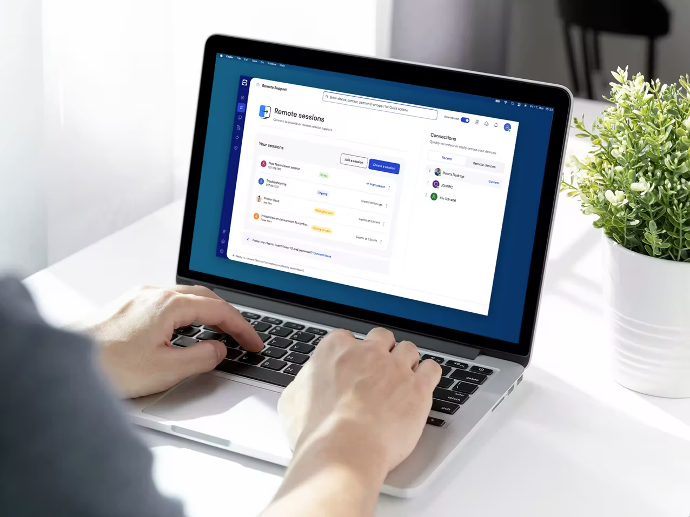
To facilitate efficient ticket resolution, certain cases may require the installation of Team Viewer on your computer. This enables our technicians to establish a secure remote connection and provide direct assistance for your specific issue.
Detailed instructions on how to install Team Viewer can be found in our Knowledge Base. We appreciate your cooperation in ensuring a seamless support experience.

Office 365
A significant number of our esteemed clients rely on Office 365 for managing their business email accounts and domains.
To ensure the smooth functioning of these essential services, we provide a convenient platform for you to verify the status of their operations.